
Repair Corrupt MP3s
in Serato
Rescue your corrupt Serato tracks.
Don't delete your music. 3vise rebuilds broken mp3 files so they play perfectly in your DJ software again.
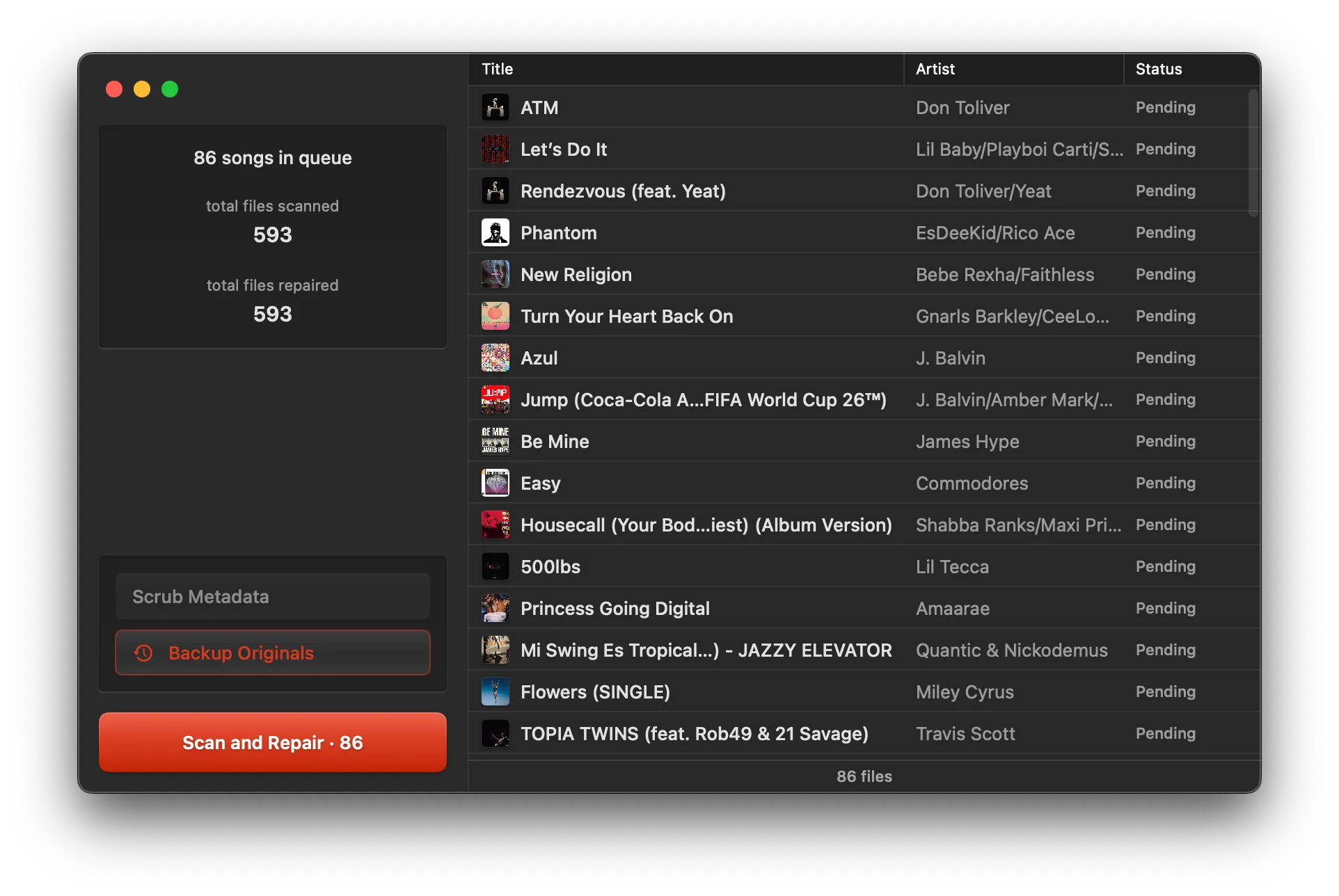
Live totals from 3vise users — updated daily
in DJ libraries
Stop letting the lightning bolt ruin your sets.
That dreaded corrupt file icon means Serato can't read your track's header. 3vise strips out the bad data and reconstructs the file so it loads instantly.
- Fix hundreds of tracks in seconds
- Deep scrub option for stubborn files
- Safely backs up your originals
Works alongside your DJ software
A dedicated tool for a specific problem.
No unnecessary features. Just a lightweight macOS utility designed to fix corrupt audio files.
Bulk Repair
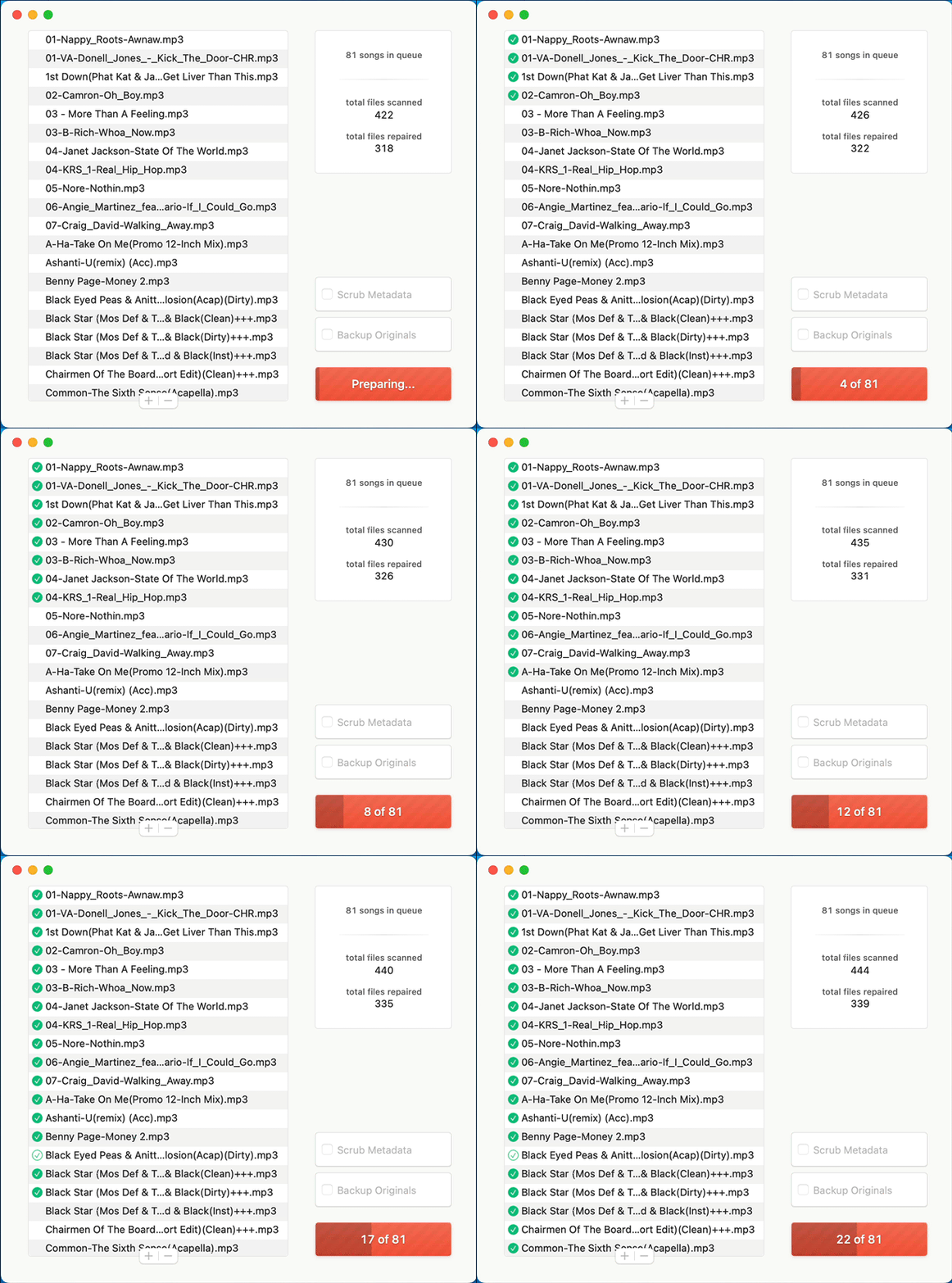
Drop in a whole crate of broken files and fix them all at once.
Deep Clean Mode
Strip away problematic Serato tags that cause loading errors.
Fail-Safe Backups
Automatically saves a copy of your original file before making any changes.
In-Place Fixing
Overwrites the file exactly where it lives so you don't lose your Serato cues.
Seamless Workflow
Drag files straight from Serato or Finder directly into the 3vise window.
Completely Free
No hidden costs or limits. Fix as many files as you need.
Guide
How it works
Follow these steps to get the best results from 3vise.
Isolate the problem tracks
Find the tracks in Serato showing the corrupt lightning bolt icon. Make sure they actually still play audio, then drag them into a temporary crate.
Run a standard repair
Drag those files from Serato into 3vise. Make sure 'Backup Originals' is checked, leave 'Scrub Metadata' off, and hit Scan and Repair.
Verify the fix
Return to Serato, select the tracks, and re-analyze them. The lightning bolt should disappear for the successfully repaired files.
Try a Serato scrub
If some files are still marked corrupt, clear 3vise and add them again. Check 'Scrub Metadata' and select 'Serato' mode to remove specific tags.
The nuclear option
For the most stubborn files, run them through 3vise one last time with 'Scrub Metadata' set to 'All' to strip everything but the basic ID3 tags.
Keep 3vise updated
We constantly update our repair algorithms to handle new types of file corruption, so make sure you're running the latest version.
Fast & Efficient
Native Apple Silicon Support
Runs flawlessly on M1, M2, M3, and M4 processors for maximum repair speed.